A TV stand should be chosen around the television’s actual feet or base, the equipment that sits inside the cabinet, and the cable route behind it — not just the advertised screen size.
Measure the television base
Record the outside-to-outside spacing of the TV feet, or the footprint of a central pedestal. Both need to sit fully on the cabinet top. A cabinet can be wide enough for a large screen while still being too narrow for widely spaced feet.
Check cabinet depth
Measure the deepest device you plan to store, then add room for plugs and cable bends. Rear cable holes do not create extra internal depth. Games consoles, amplifiers and set-top boxes also need ventilation around them, so follow the equipment manufacturer’s clearance guidance.
Plan doors, drawers and cables
Open storage is easy to access but exposes cables. Drawers hide accessories, while cupboards may restrict airflow. Check the route from wall socket to equipment before positioning the cabinet.
Think about the room, not only the TV
Mark the cabinet width and depth on the floor. Leave a clear walking route and make sure drawers or cupboard doors can open without hitting furniture.
Browse our TV cabinets and compare exact product dimensions before ordering.
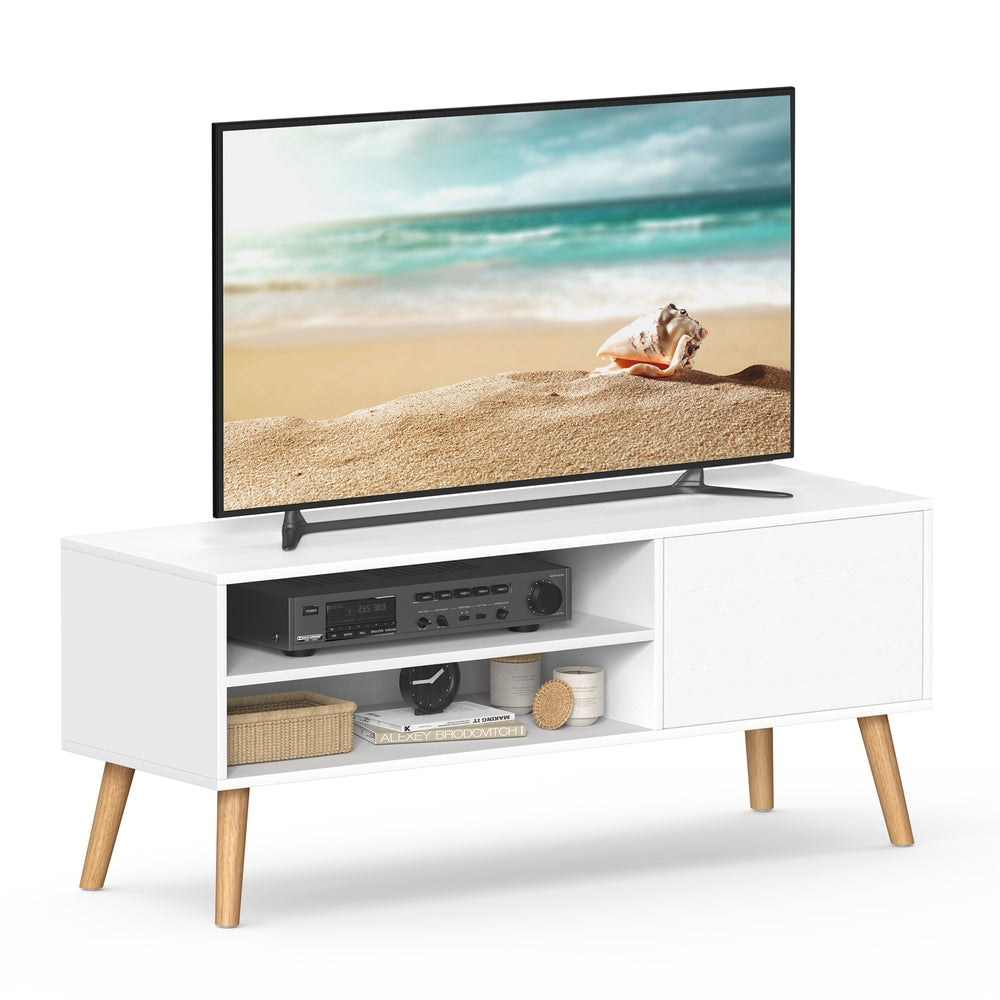
One compact-width example is the VASAGLE UKLTV120T46 120 cm TV cabinet. Its page identifies the model and links to current retailer options; check its exact depth, height, internal space and your TV-foot spacing before deciding.
THREE DIFFERENT FIT CHECKS
Screen size is not the stand footprint
1. Screen outline
The advertised diagonal does not give the width or depth of the supporting feet. Check the television’s actual installation dimensions.
2. Supported base
Measure outside edge to outside edge and front to back. Both feet or the whole pedestal must be supported as the TV instructions require.
+ ventilation
3. Equipment space
Compare the shelf opening with the device, connected plugs and the clearances specified in that device’s instructions.
Illustrative diagrams, not scale drawings or a safety assessment. Cabinet width alone does not establish television compatibility or supported weight.
Your TV-unit measuring sheet
- Television model: find the installation instructions for the exact model and the stand position you will use. Some TVs have more than one foot arrangement.
- Supporting footprint: record the outside spacing of the feet and their front-to-back depth, or the full central base footprint. Do not measure only between the inside edges.
- Top and load: compare those measurements with the supported cabinet top and its published top-load limit. A whole-unit load figure is not necessarily the top or shelf limit.
- Equipment openings: measure every device in its intended orientation. Include connectors, cable bends, shelf thickness and any back panel that reduces usable space.
- Doors and access: test drawer extension, cupboard doors, remote-control access and the route for reconnecting equipment. Closing a door must not conflict with ventilation requirements.
- Room position: mark the cabinet footprint, check sockets and skirting, and follow the supplied furniture and television securing instructions. Check the delivery route before ordering.
A width calculation is only a first check
Imagine a TV whose feet measure 108cm from outside edge to outside edge on a 120cm-wide cabinet. The arithmetic leaves 12cm in total, or 6cm on each side if centred. This is a hypothetical measuring example, not approval for any linked TV or cabinet: usable top shape, foot depth, weight, stability and the manufacturer’s positioning instructions still need checking.
If one required measurement is missing, treat it as unknown rather than guessing from a styled photograph. Ask the retailer for the shelf opening or supported top measurement before deciding that the furniture fits.
Open shelves or concealed storage?
Open shelves make equipment and connections easier to see, but do not guarantee enough airflow. Drawers can keep remotes, controllers and other accessories out of sight; they are not automatically suitable places to run electronic equipment. A cupboard can look tidy while leaving a device too enclosed for its instructions.
Keep the equipment’s required clearances separate from the room’s visual spacing. Sony’s UK ventilation advice reinforces the need for sufficient ventilation; use your own television and device manuals for model-specific installation requirements.
Compare storage layouts in the catalogue
- VASAGLE UKLTV120T46 white cabinet: start with the 120cm width, then verify the supported top and internal openings.
- VASAGLE two-drawer TV stand: compare concealed accessory storage with the space left for equipment.
- SONGMICS HOME 110cm TV stand: compare its open storage layout with your device and cable requirements.
- VASAGLE 160cm open-shelf stand: more outside width does not confirm larger internal openings or a higher load limit.
These are researched catalogue examples, not hands-on tests or TV compatibility guarantees. Match the exact product and variant on the retailer’s page, then confirm current specification, seller, condition and delivery terms. We may earn commission from qualifying purchases.